Sonos
Press Find speakers, choose a room, and PixelHub follows whatever plays there: Apple Music, Amazon, radio, the TV, Spotify and more. No accounts to connect.
- Finds speakers on your network
- Follows one room you choose
- Any service Sonos can play
PixelHub sits on your shelf and shows what's playing on Spotify or Sonos: the album art, the lyrics, the time left or a dancing spectrum. When the music stops, it becomes a clock, a weather station, your calendar or a photo frame.
*Through a Sonos speaker.
Filmed on a phone, straight off the bookcase. The glow on the shelf is free.
Artwork, lyrics, countdown or VU bars. Switch any time from your phone; the options change with the mode.
What the panel shows while music is playing. Switch any time.
Time left on the track in big digits over the dimmed cover, with title, artist and a progress line. Radio gets a LIVE badge.
These are the real dashboard settings. Click them and the panel updates.
Press Find speakers, choose a room, and PixelHub follows whatever plays there: Apple Music, Amazon, radio, the TV, Spotify and more. No accounts to connect.
Connect your own free Spotify app and the panel follows what you play on any device signed in to your account: phone, laptop, car or speaker.
A clock with the weather for the kitchen, your next meeting for the desk, a favourite photo for the hall, or simply off.
Pick what the panel shows when nothing is playing.
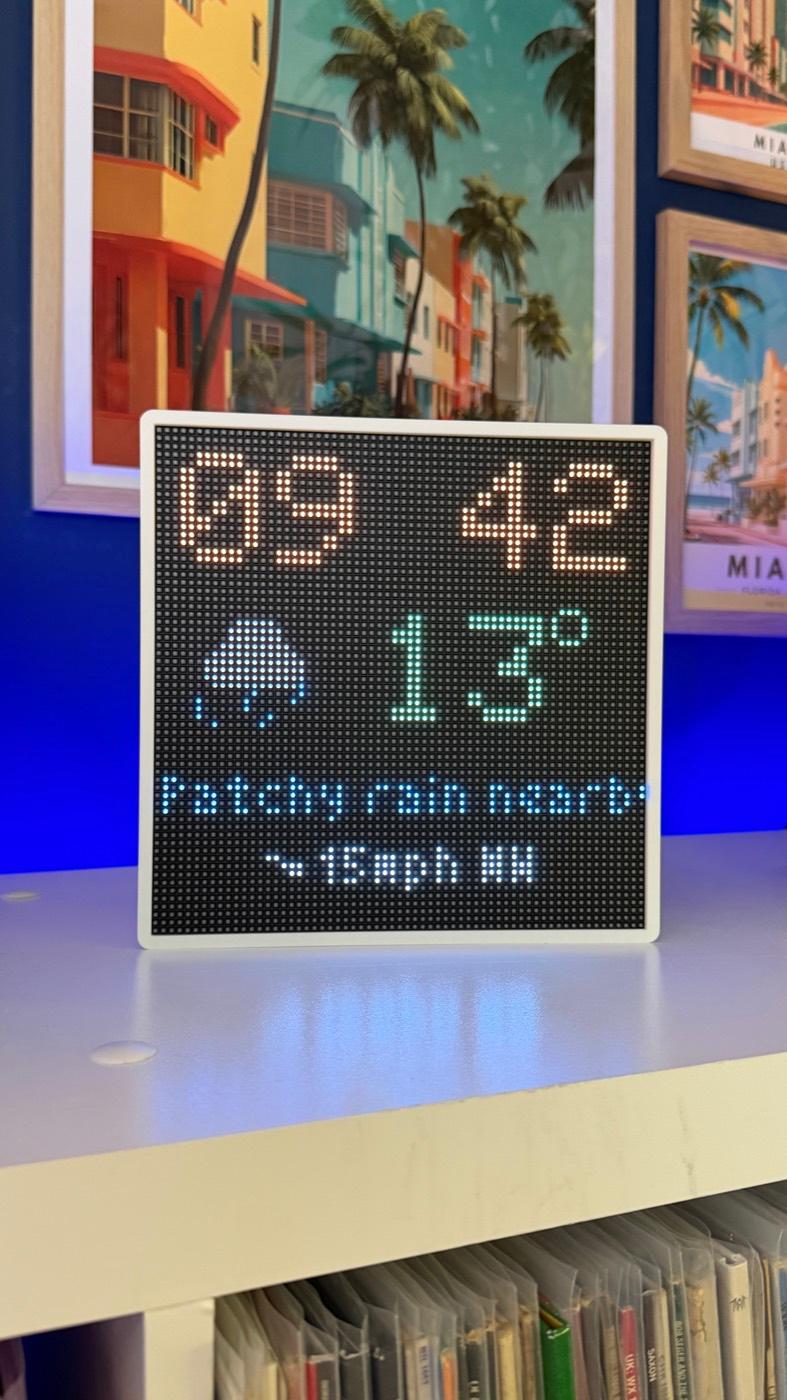
Shared by all the clock screens.
Shown under the clock.
Open pixelhub.local on any phone, tablet or computer on your WiFi. A live preview mirrors the panel as you change things. This replica works: click around, drag the brightness, rotate the panel and change the colour scheme.
Choose how the panel looks while music is playing. The options change with the mode.
What the panel shows while music is playing.
From a faint glow for a dark bedroom to full blast for a sunny room. Applies to every screen.
Mount it any way up. Turn the picture in 90° steps and everything follows.
Install new firmware from the dashboard. Your settings, sources and photo are kept.
Show the settings address as a QR code on the LEDs, so a phone can find it in a second.
The dashboard sits behind your own password. Change it, or log out, from the sidebar.
Reach it at pixelhub.local on your network. The Device page shows its address, WiFi signal, uptime and memory.
Calendar links and API keys are stored on the board and never shown again, not even to you.
Forget the WiFi network to move house, or factory reset to start over, with two confirmations first.
Out of the box the board opens its own setup network. Join it, pick your home WiFi, done.
Choose the password that protects the settings dashboard at pixelhub.local.
Pick a Sonos room from the list, or add your own free Spotify app details. The dashboard walks you through it.
Connect your account, start a song, and the panel lights up. Then make it yours.
Something else? Ask Hawke Apps.
No. With Sonos as the source, PixelHub follows whatever plays in the room you choose: Apple Music, Amazon Music, radio, the TV, Spotify and more. Spotify on its own works too, on any device signed in to your account.
It keeps the connection yours: a free app from developer.spotify.com links your account to your board, with no middleman. The dashboard lists every step, including the redirect address to paste in.
No. Open-Meteo is free and needs no sign-up. If you prefer WeatherAPI, paste your own free key and the board switches over straight away.
Any calendar with a private iCal link: Google Calendar, Apple iCloud and Outlook all have one, and the dashboard shows where to find it. Hide event titles with "Just Busy" if the panel is somewhere public.
Yes. Upload any photo your browser can open, drag a square over the part you want, set the brightness and save. It is shrunk to 64×64 and stored on the board.
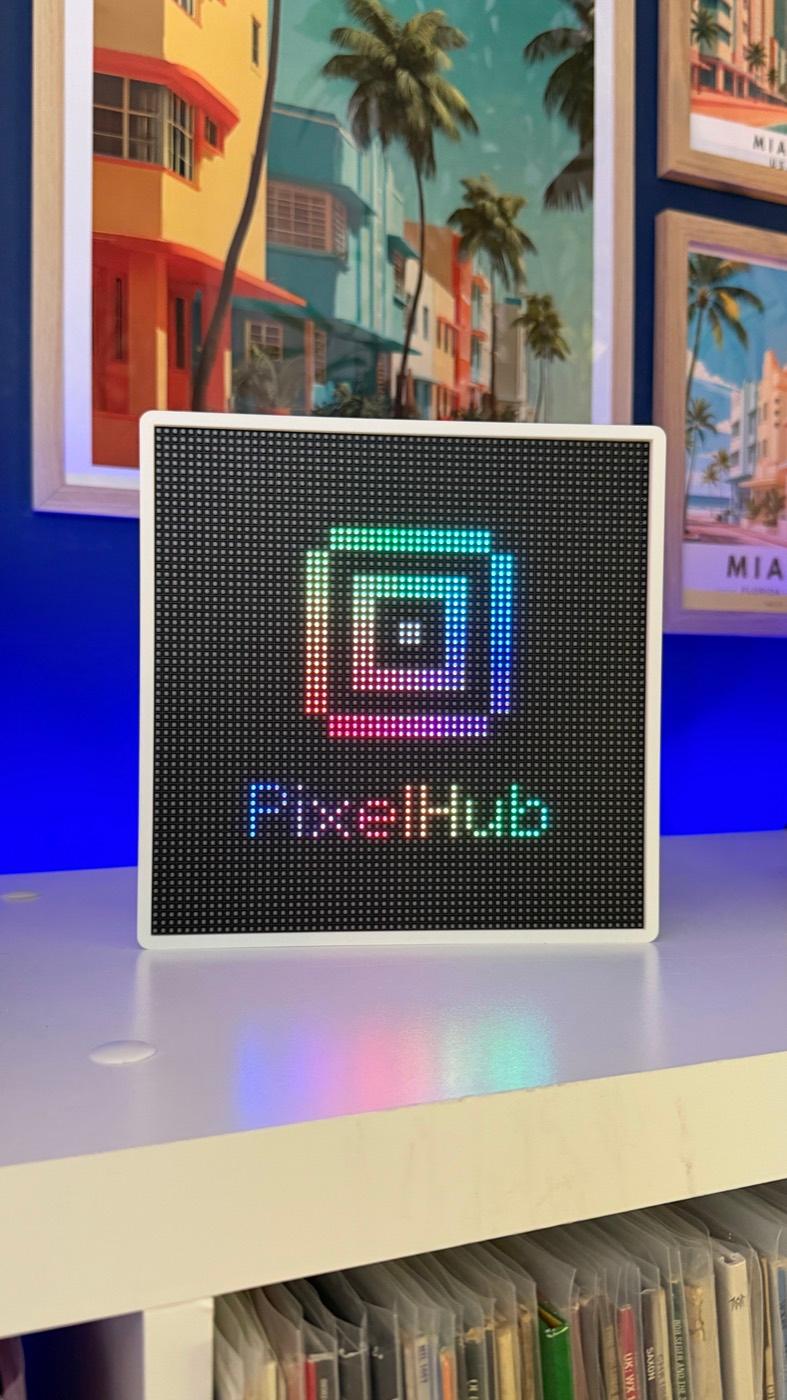
After the number of seconds you choose (1 to 3600), the panel switches to your idle screen: the PixelHub mark, a clock, clock with weather or calendar, your photo, or off.
PixelHub is made by Hawke Apps and is coming soon. Register your interest and we'll let you know when it's ready.